
Headless testing
Verify game behavior without a display or physical input device. Use the same example tasks locally and in CI.
Run the suite
flox activate
bun install --frozen-lockfile
bun run check
This runs Markdown, link, Mermaid, LOC, shell and workflow validation; engine and CLI tests; three examples; agent-eval fixtures; website lint, types, production build, and browser checks. Install Chromium once with bunx playwright install chromium if you are setting up manually.
Test a game
./gradlew :transmute-core:publishToMavenLocal
cd examples/java/platformer
./gradlew test verifyHeadless
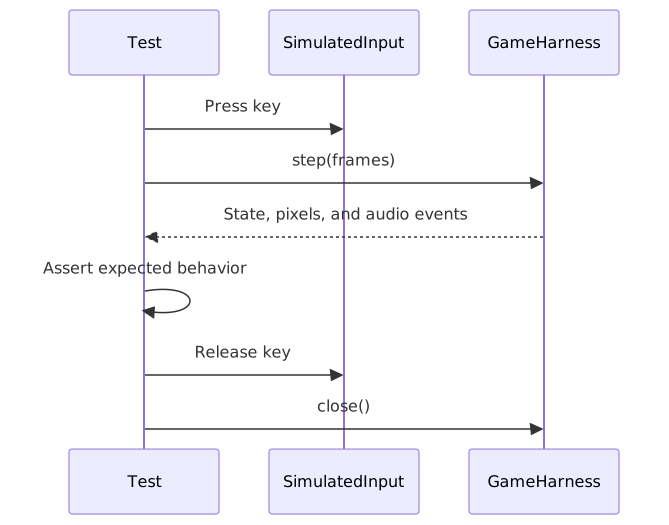
Diagram source
sequenceDiagram
    participant Test
    participant Input as SimulatedInput
    participant Game as GameHarness
    Test->>Input: Press key
    Test->>Game: step(frames)
    Game-->>Test: State, pixels, and audio events
    Test->>Test: Assert expected behavior
    Test->>Input: Release key
    Test->>Game: close()
Choose an assertion
- Check game state when testing scores, health, or inventory.
- Use
FrameAssertwhen a particular pixel or region matters. - Use
AudioProbewhen a trigger should request a sound. - Use
PlaytestScriptwhen the scenario is naturally a sequence of inputs.
See the harness API for a minimal Java test and evaluation fixtures for complete scenarios. Avoid tests that merely repeat implementation details.